



This smartphone gimbal buying guide starts with why handheld footage looks shaky in the first place: your hand moves in three directions at once, and your eye can forgive maybe one of them. A smartphone gimbal fixes this with motors, not software, which is exactly why the good ones feel like a completely different camera and the bad ones feel like an expensive paperweight.
SaveItMore is reader-supported. If you buy through a link on this page we may earn a commission, at no extra cost to you.
3-Axis Stabilization: What You’re Actually Paying For
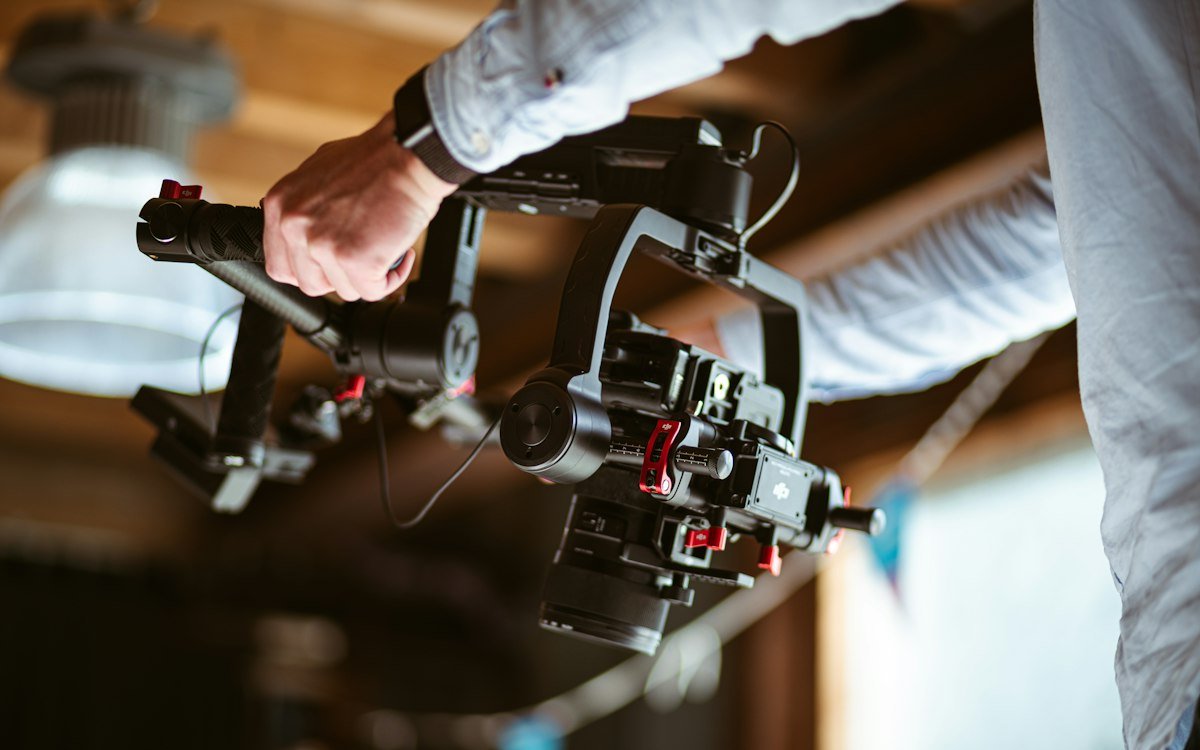
Every real gimbal stabilizes on three axes — pan (side to side), tilt (up and down), and roll (the tip you don’t notice until footage looks seasick). Cheap “stabilizers” that skip the roll axis and rely on software smoothing will still show a subtle wobble on anything shot while walking. If walking shots are the whole point of buying one, don’t compromise on true 3-axis motorized stabilization.
Payload Weight: Match It to Your Actual Phone, Not the Lightest One
Payload is the next stop in this smartphone gimbal buying guide: gimbals are rated for a maximum phone weight, usually somewhere between 200 and 300 grams, and that number needs headroom — not a tight fit. A phone in a thick case, with a clip-on lens or a cold-shoe light attached, can add 30-50 grams you didn’t account for. Buying right at the weight limit is the single most common reason gimbal motors strain, drift, or refuse to balance properly.
Follow Modes and Tracking: Useful, But Read the Fine Print
Most mid-range and higher gimbals now include some form of subject tracking, letting the gimbal’s motors follow a face or body across the frame automatically. It genuinely works for walk-and-talk or solo vlogging footage. The catch: tracking accuracy drops fast in low light and with fast, erratic movement (kids, pets, sports), so treat it as a nice-to-have for talking-head content, not a guarantee for action footage.
Battery Life and Charging: The Number That’s Easy to Overstate
Listed battery life (often 8-12 hours) assumes light, intermittent use with the gimbal mostly idle between shots. Continuous active tracking and follow-mode use drains it noticeably faster. If you’re shooting a full day of event coverage, either confirm the gimbal supports charging the phone through it while in use, or plan on a power bank as backup — the same portable-power math that applies to dash cam parking mode power draw is worth thinking through here too.
Folding Design vs Fixed-Arm: What You Give Up Either Way
Every smartphone gimbal buying guide should cover build style too: foldable gimbals collapse down to fit a jacket pocket, which matters if you’re carrying it daily, but the folding hinge is also the first part to develop play or wobble after heavy use. Fixed-arm designs are bulkier but mechanically simpler and tend to hold calibration longer. If it’s living in a backpack rather than a pocket, the fixed-arm design is usually the more durable pick.
App Features: Panorama, Time-Lapse and Manual Control
The app side of this smartphone gimbal buying guide matters more than people expect, since the companion app is doing more work than people expect — motion time-lapse, panorama stitching, and manual gimbal control (spinning the frame with a joystick instead of physically moving it) all live there. Before buying, check that the app supports your phone’s OS version; some older gimbal models have quietly stopped receiving app updates, which breaks tracking features even though the hardware still moves fine.
Smartphone Gimbal Buying Guide: Where to Buy and How to Save
Hohem is one of the more established names in the smartphone gimbal space, with a lineup that spans compact pocket models to larger tracking-focused rigs. It’s worth checking Hohem’s current coupon codes before checkout, since the discount usually depends on which model you’re buying. If you’re building out a full content-creation kit rather than buying one item, our practical gift ideas guide and gaming headset buying guide cover other gear in the same budget range, and our camping gift ideas guide has a few picks that pair well with a gimbal for outdoor content.
Smartphone Gimbal Buying Guide: Common Mistakes First-Time Buyers Make
This smartphone gimbal buying guide wouldn’t be much use without the mistakes people actually make, so here’s the short list:
- Buying the max payload rating with no headroom. A case, a clip-on lens, and a cold-shoe light can add 30-50 grams you didn’t budget for — leave real margin below the rated limit.
- Skipping the balancing step. Every gimbal needs the phone’s weight balanced on the clamp before each session (a quick slide-and-check, not a one-time setup), and skipping it is the single biggest cause of motor strain and drift complaints.
- Expecting tracking to work like a professional camera operator. Subject tracking is genuinely useful for talking-head and walk-and-talk content, but it lags and loses the subject during fast, unpredictable movement — treat it as an assist, not autopilot.
- Ignoring app compatibility before buying. A gimbal without an updated companion app for your phone’s OS still moves fine mechanically, but loses tracking, panorama, and time-lapse features that were half the reason to buy a smart gimbal over a basic 3-axis mount.
Who Should Skip a Gimbal Entirely
If most of your footage is static shots from a tripod, or short clips where a quick software stabilization pass in editing is good enough, a gimbal is solving a problem you don’t have. It earns its keep specifically on walking shots, tracking shots, and handheld footage longer than a few seconds — for anything shorter or more static, the extra bulk in your bag isn’t paying for itself.
Smartphone Gimbal Buying Guide: Final Checklist
Use this smartphone gimbal buying guide as your final checklist: confirm the payload fits your phone and case, compare battery life honestly, and decide whether tracking and app features matter for the footage you shoot. A smartphone gimbal buying guide should end with a budget and a return plan, not just a spec list.
The main lesson of any smartphone gimbal buying guide is to buy for how you will actually film. For walking video and travel clips a foldable model is enough; for vlogs and moving subjects, tracking is worth paying for. This smartphone gimbal buying guide also recommends testing the stabilisation within the return window.
Skim the smartphone gimbal buying guide mistakes above once more before ordering, and compare at least two models at the same payload rating.
FAQ
Do I need a gimbal if my phone already has “stabilization”? (Smartphone gimbal buying guide FAQ)
Software-only stabilization on phones crops and warps the frame to fake smoothness, which costs you resolution and can look artificial during fast pans. A motorized gimbal moves the camera itself, so you keep the full frame and get smoother results, especially while walking.
Can a gimbal fix already-shaky footage?
No — a gimbal only helps while you’re filming. Footage shot handheld without one can be smoothed afterward with editing software, but that process crops the frame and never looks as clean as footage stabilized at the time it was shot.
How long does it take to learn to use one well?
Basic balancing and holding technique takes about ten minutes to get comfortable with. Smooth, professional-looking movement (slow reveals, arcs, following shots) takes practice sessions over a few weeks, mostly around learning to walk with bent knees and a soft heel-to-toe step.
Will a gimbal work with a phone case on?
Most will, as long as the case doesn’t push the phone’s total weight past the gimbal’s rated payload or block the clamp’s grip points. Thick battery cases or ones with pop-out grips are the most common source of balance problems. Our guide to phone cases with a kickstand covers the thickness and grip checks worth making.
Do I need a separate microphone if I’m using a gimbal?
The gimbal itself doesn’t affect audio quality — a phone’s built-in mic still picks up wind and handling noise the same way it would without one. For anything with dialogue, a clip-on lavalier or shotgun mic mounted to the gimbal’s accessory point makes a bigger difference than any gimbal feature.